Know what you spent today, while it still matters.
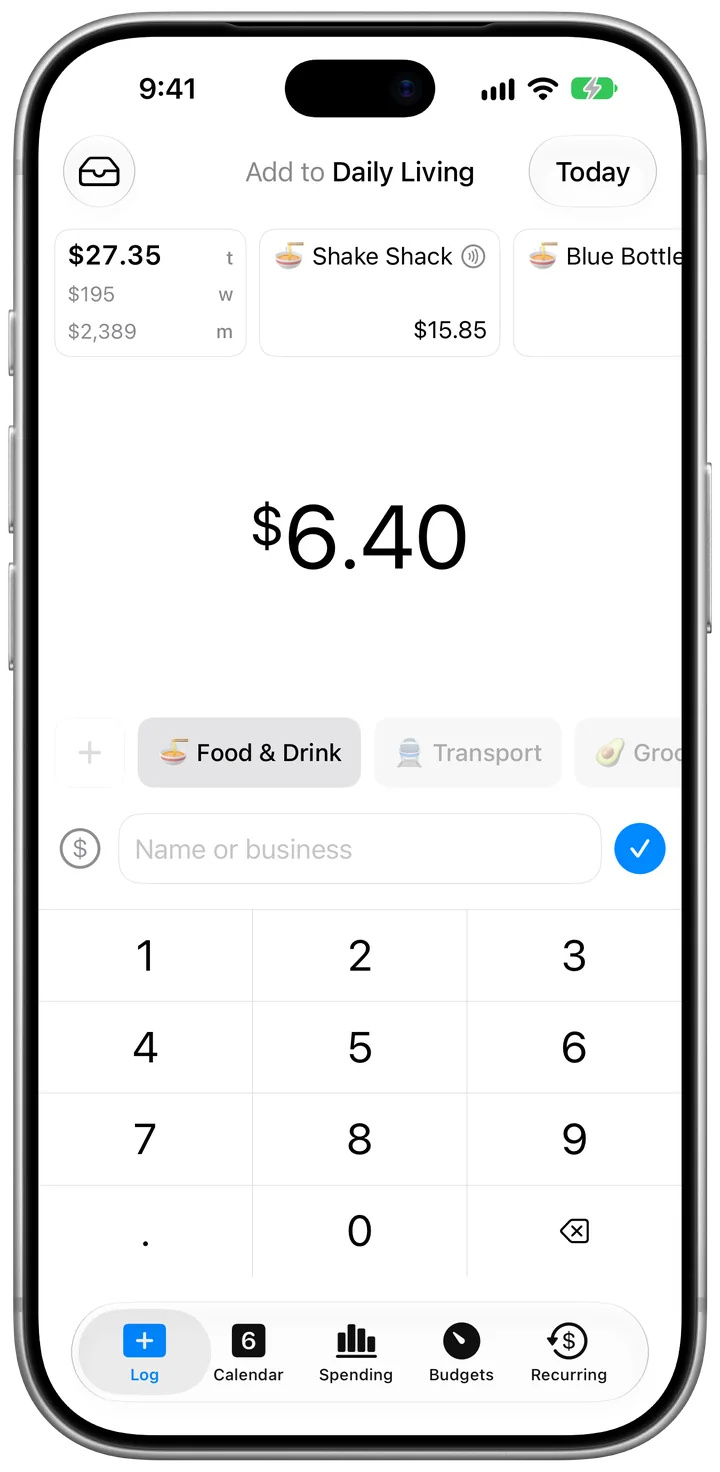
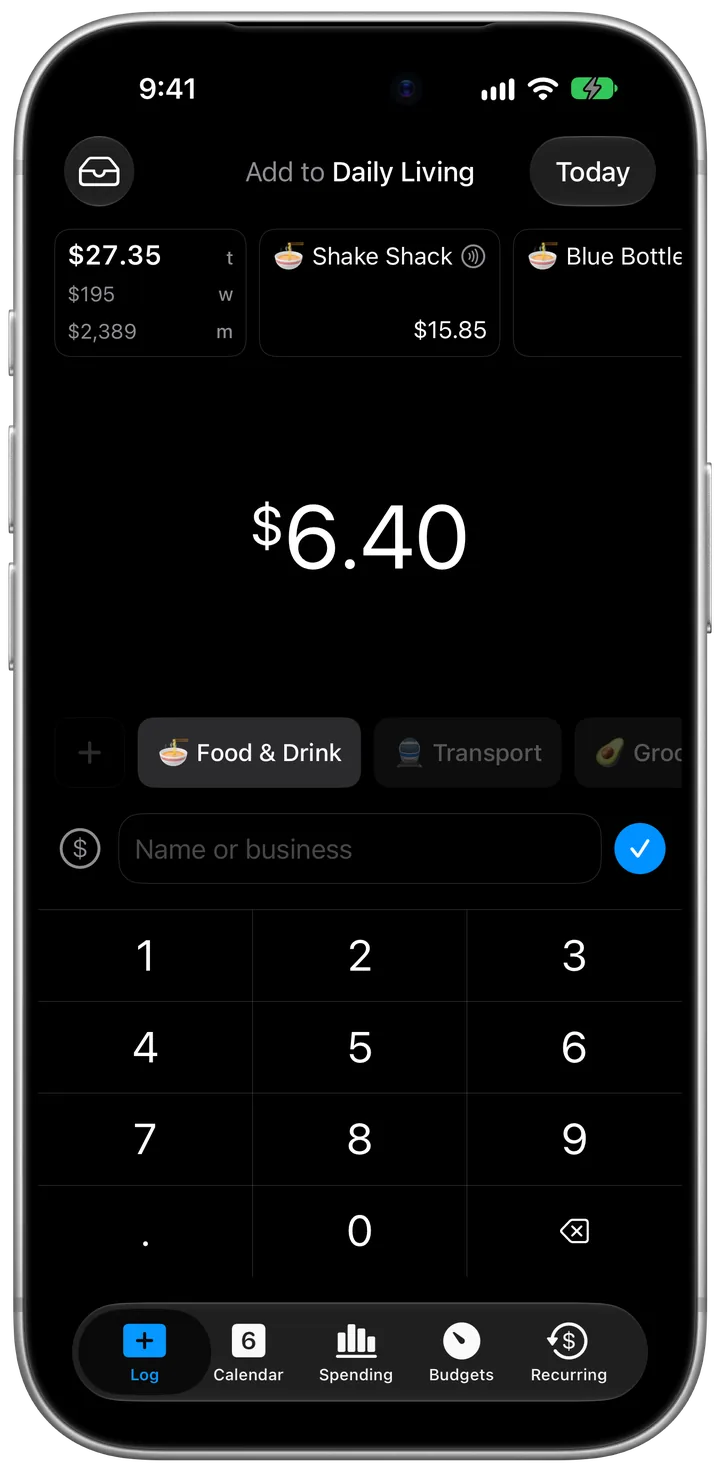
Most spending happens in two-second moments: a morning coffee, lunch with coworkers, a transit tap, or groceries on the way home. I built CashJot for busy people who want to know where their money goes, without it becoming a chore.
What I believe
Knowing now, rather than later
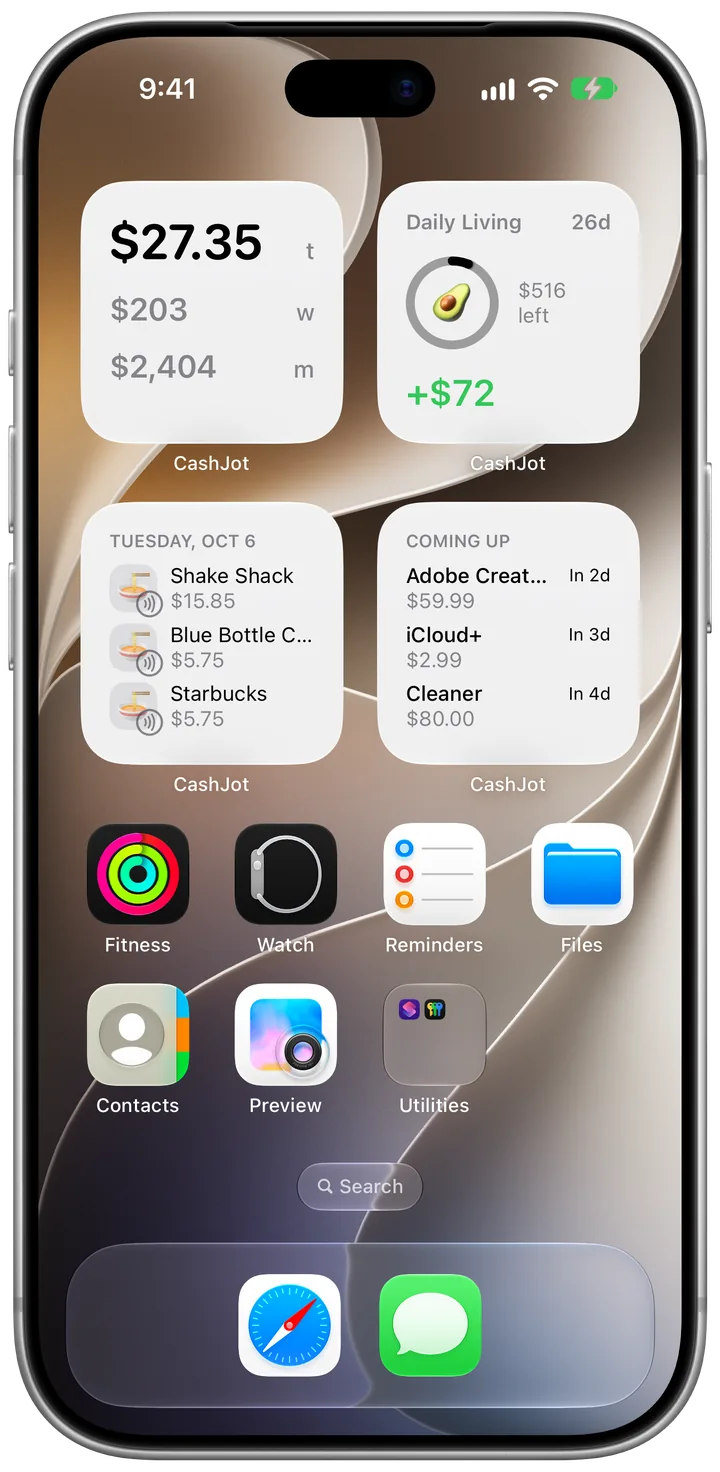
A monthly report shows you what already happened. I find it more helpful to know where things stand today. Glance at today's total on your Home Screen or Lock Screen widget in the afternoon, and you have a calm sense of where you are. Knowing what today has cost makes it a little easier to decide about dinner.
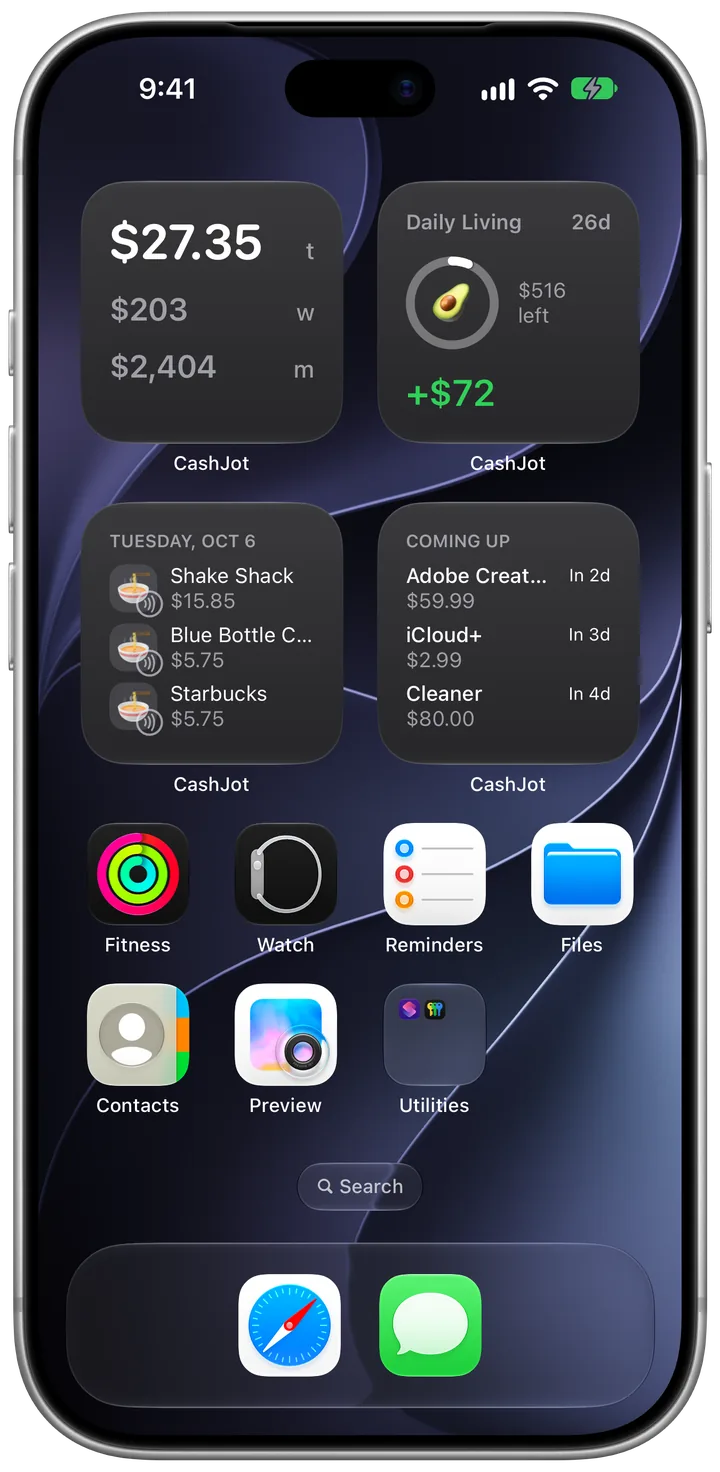
Pacing that bends with your week
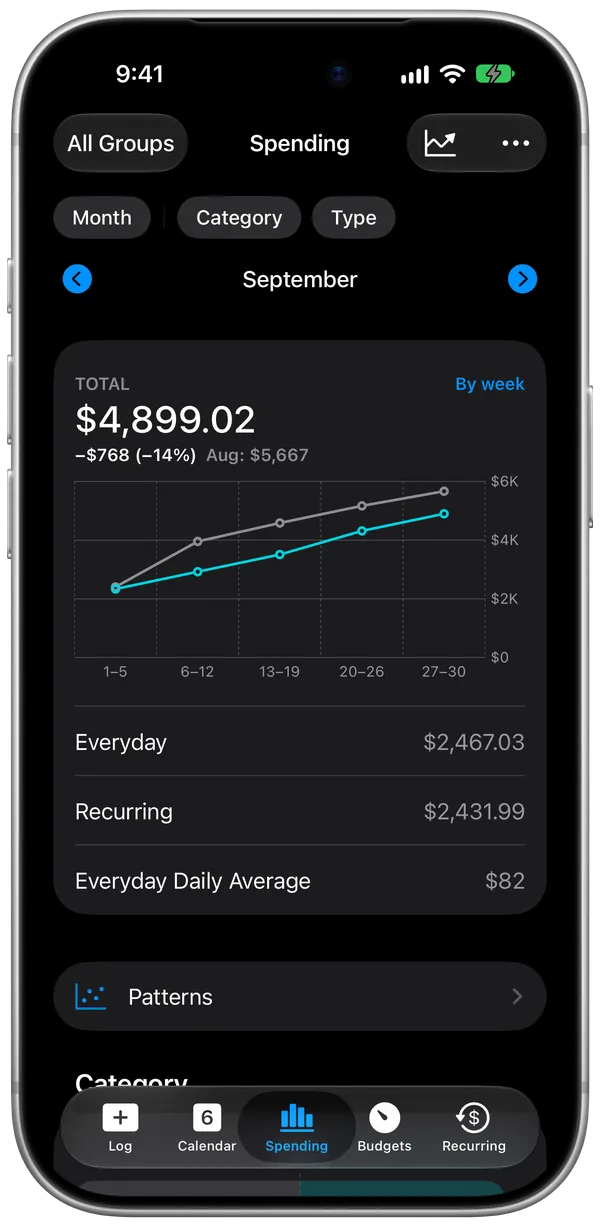
Real life is full of surprises. Some weeks have birthdays or a repair; some weeks are quiet. CashJot shows your pace: what you've spent so far, and what's left for the week or month.
Your spending stays yours
Your spending is as personal as a journal. CashJot has no accounts, asks for no bank passwords, and works offline. Your expenses live on your iPhone and sync across your Apple devices through your own iCloud. If CashJot ever went away, your data would still be yours.
Separate spaces for different lives
Everyday groceries, a two-week trip to Tokyo, and freelance expenses often feel like different kinds of spending. Expense Groups give each its own currency, exchange rate and budget, so a holiday doesn't throw off your everyday numbers.
Who CashJot might suit
It may suit you if you'd like:
- Everyday spending awareness on iPhone, without linking a bank
- Logging that feels as quick as jotting a note
- Today's spending at a glance on your Home Screen and Lock Screen
- Daily life, travel and side work kept apart
- Your records on your own devices, working offline
It may not be the right fit if you're looking for:
- A zero-based budget that gives every dollar a job
- Automatic bank imports and years of statement history
- Investment, net worth or credit score tracking
Who makes CashJot
I'm Pierre Teo, an independent software developer in Singapore, and I design and build CashJot.
CashJot is supported by an optional Plus subscription. Everyday logging is free.
If you have a thought, a question, or an idea for CashJot, I'd love to hear from you at junshengpierre.dev@gmail.com.