See what your side project costs you

Give freelance work or an online shop its own Expense Group, with its own budget, recurring tools, and reports, apart from what you spend at home. Card Rules send Apple Pay taps from your work card straight to it, and at tax time you can export a clean CSV.

Download on the App Store
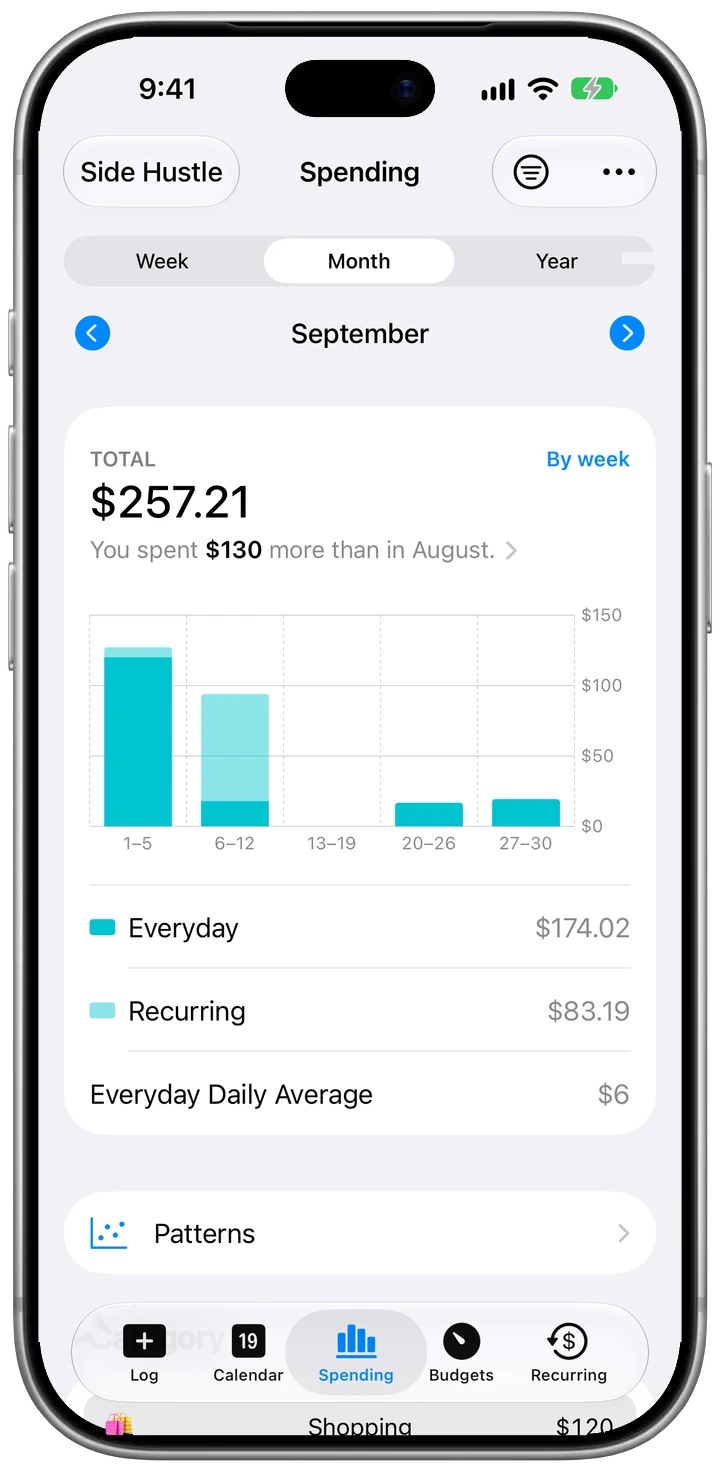
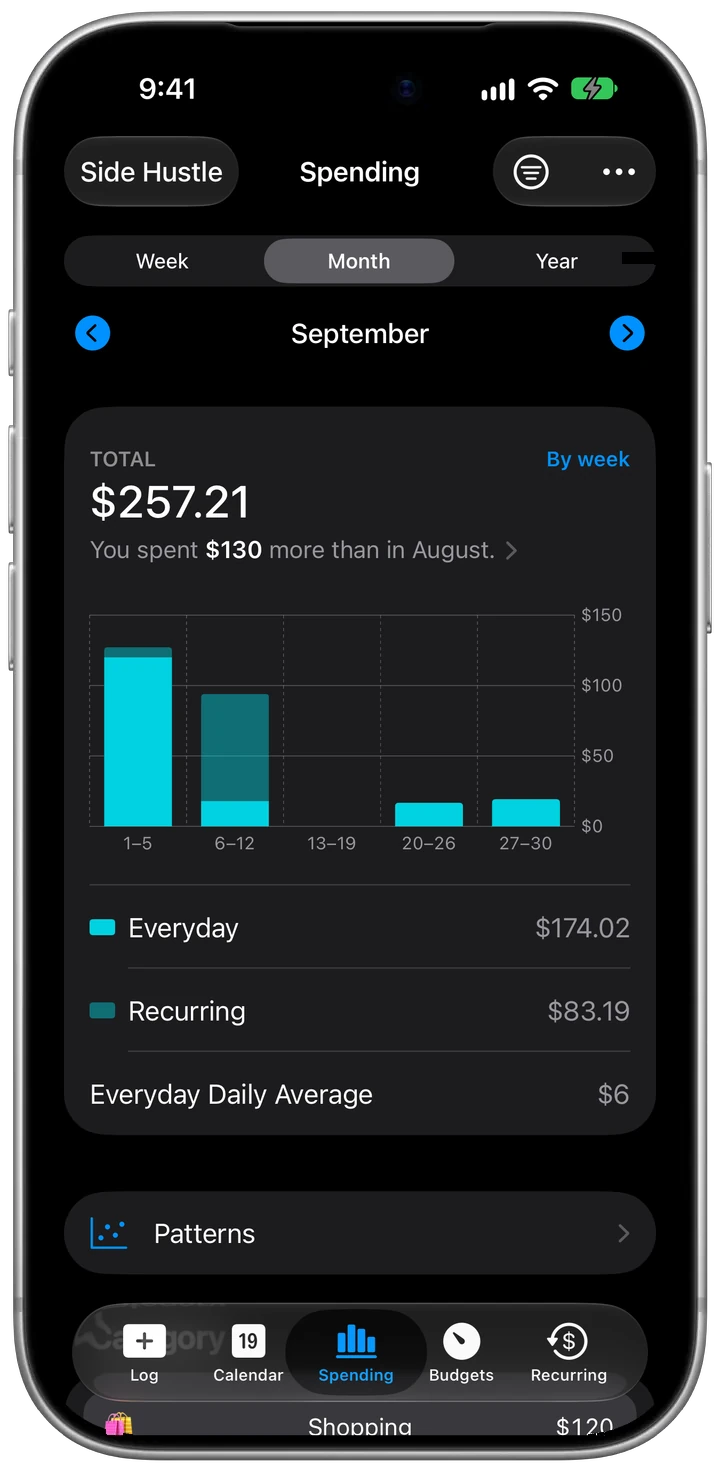
The Spending tab filtered to the Side Hustle group: $257.21 in September, $130 more than in August
  • Separate from the first expense

    Create an Expense Group for your side work and pick it on the Log tab when you buy something for the project. Its expenses, totals, and reports stay completely separate from your household spending.

  • Every tool that renews

    Add software, domains, and hosting once as recurring expenses. The Recurring tab shows what you've paid this month and what's coming up next, including annual renewals. More on tracking subscriptions.

  • Notes for the who and why

    Jot a short note on any expense, like which client you met for coffee or which project a font license was for. It shows up in your list and exports cleanly into your CSV.

  • Work card, work group

    If you pay for business costs with a dedicated card, a Card Rule routes that card's Apple Pay taps straight to your side hustle group, while personal card taps go to your daily group. With CashJot Plus, they're logged there automatically. Set up Apple Pay logging.

  • A CSV for tax time

    With CashJot Plus, export any date range (including last year) as a CSV with date, name, amount, currency, converted amount, category, group, type, and note. Filter by your side hustle group and hand it to your accountant.

Lightweight tracking, not accounting software

If you run a company with payroll and balance sheets, full accounting software makes sense. When you're freelancing, consulting, or running a small shop on the side, you mostly just need a clean list of what the work cost you.

CashJot gives your project its own ledger: logged in seconds when you buy something, totalled on its own, and exported when taxes come around. There's no bank login and no account, and everything syncs through your own iCloud.

Setting it up? Our side hustle tracking guide covers categories, recurring tools, and the year-end export.

Frequently asked

Keep side hustle costs separate from day one.

Download on the App Store