Practical Expense Tracking & Habit Design
In-depth research, honest tool comparisons, and low-friction systems to help you track daily spending without bank logins or spreadsheet upkeep.
Track your spending on iPhone
- How to track expenses on your iPhone: the setup that keeps the habitTracking spending shouldn't require complex maintenance or bank logins. Here is the low-friction iPhone setup, from glanceable widgets to on-device Apple Pay capture, that keeps the habit alive.Read ›
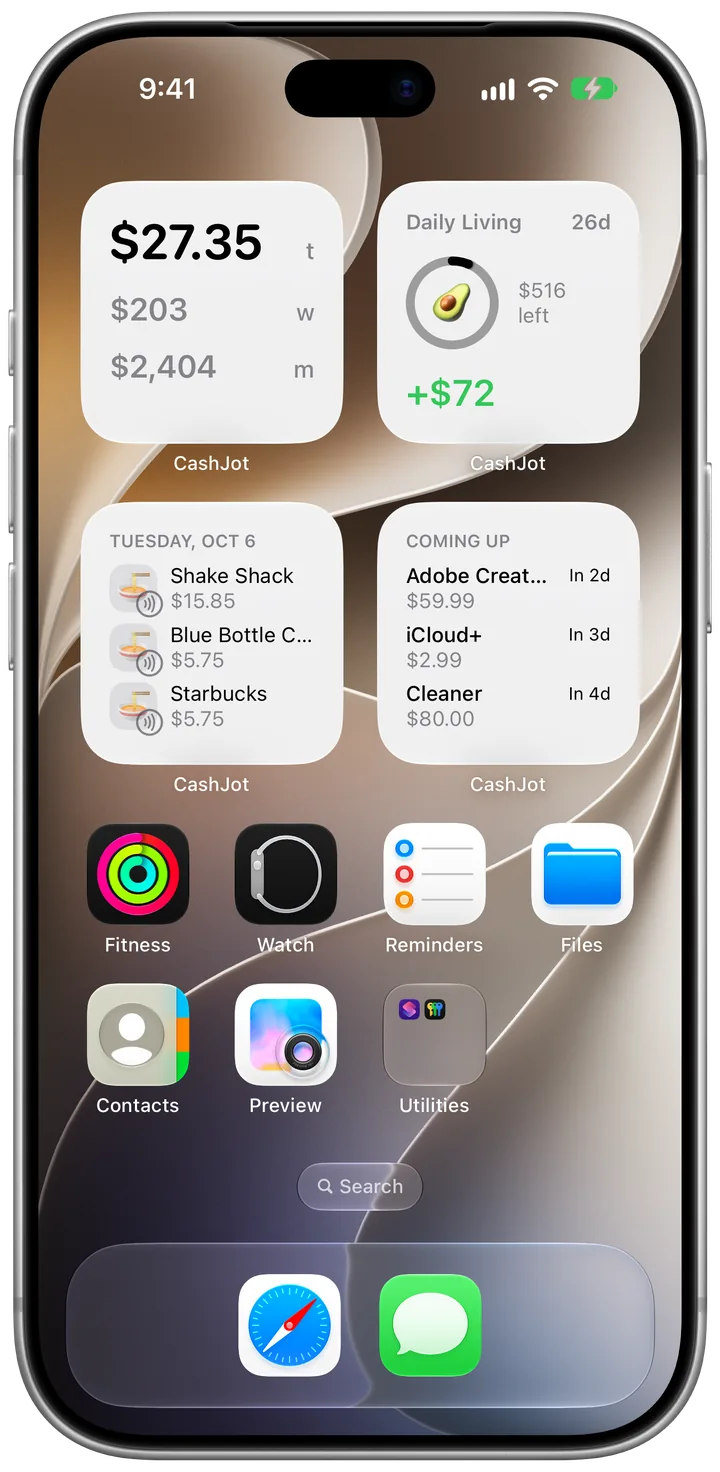
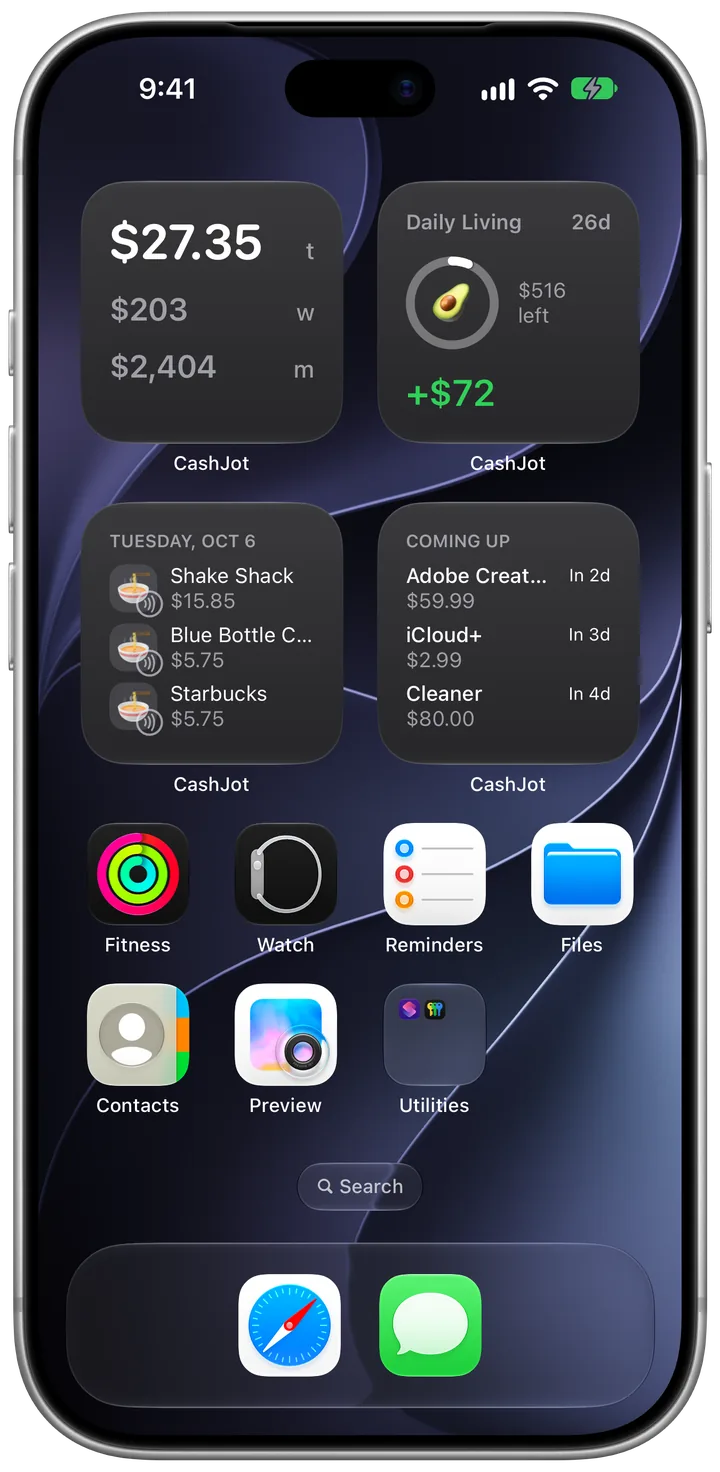
- How to add a budget or spending widget to your iPhone home screen and lock screenRead ›
- How to track Apple Pay transactions automatically on iPhoneRead ›
- How to check your Apple Pay transaction history on iPhone (and see what you actually spent)Read ›
- Get faster at logging in CashJotRead ›
- How to log an expense by tapping the back of your iPhoneRead ›
- How to Track Cash Spending on iPhone (Without Double-Counting)Read ›
- The 30-day expense tracking challenge: stop guessing what you spend dailyRead ›
- How to keep side hustle expenses separate from your personal spendingRead ›
- No Accounts, No Company Servers: How Local-First Expense Tracking Works on iPhoneRead ›
- How to track subscriptions and bills on iPhone without a bank loginRead ›
- How to require Face ID for any expense tracker on iOSRead ›
Track your travel spending
- How to track travel expenses on your iPhone, one trip at a timeOne trip, one clean ledger. Use dedicated Expense Groups and fixed exchange rates to track daily vacation spending without blowing up your baseline household budget.Read ›
- Multi-currency expense tracking: how to manage exchange rates and travel spendingRead ›
- Cash or card in Southeast Asia? Plan for more cash than you expectRead ›
- Tricount, Splitwise, or a plain expense tracker: which one fits your trip?Read ›
Which way of tracking fits your life
- Spreadsheets vs Notion vs Apps vs Paper: How to Choose Your Tracking SystemSpreadsheets offer total control; Notion provides rich context; mobile apps deliver instant glanceability; paper brings tactile focus. Which one sticks depends on where and how you actually spend.Read ›
- Is Manual Expense Tracking Still Worth It? (When It Beats Bank Feeds)Read ›
- What Really Happens When You Link a Budgeting App to Your BankRead ›
- Best iPhone expense trackers without bank login (or linked accounts)Read ›
- Why People Quit Budgeting Apps: What 1,586 One-Star Reviews RevealRead ›
- Which budgeting method fits your life?Read ›
Track daily spending without the chore
Quick keypad logging, Apple Pay capture, and home screen widgets. Free, private, and works offline.