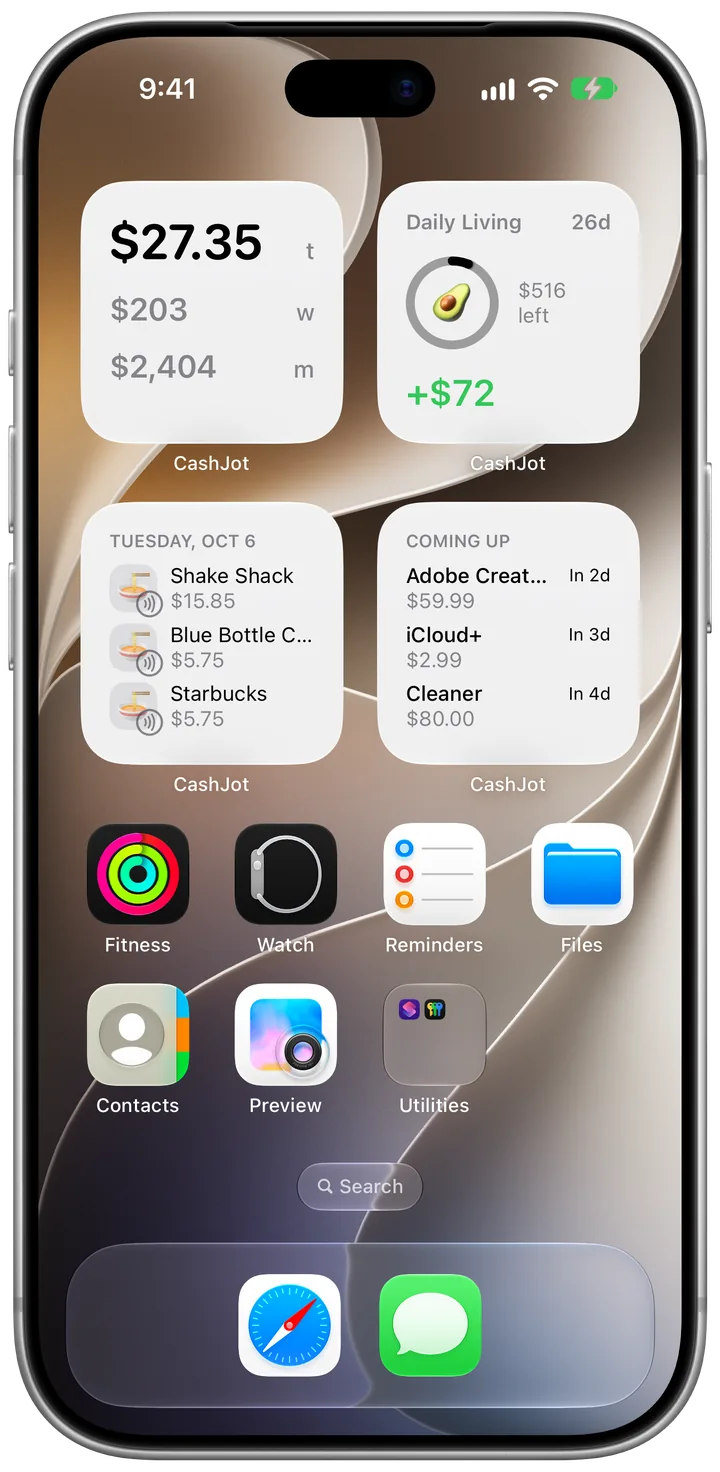
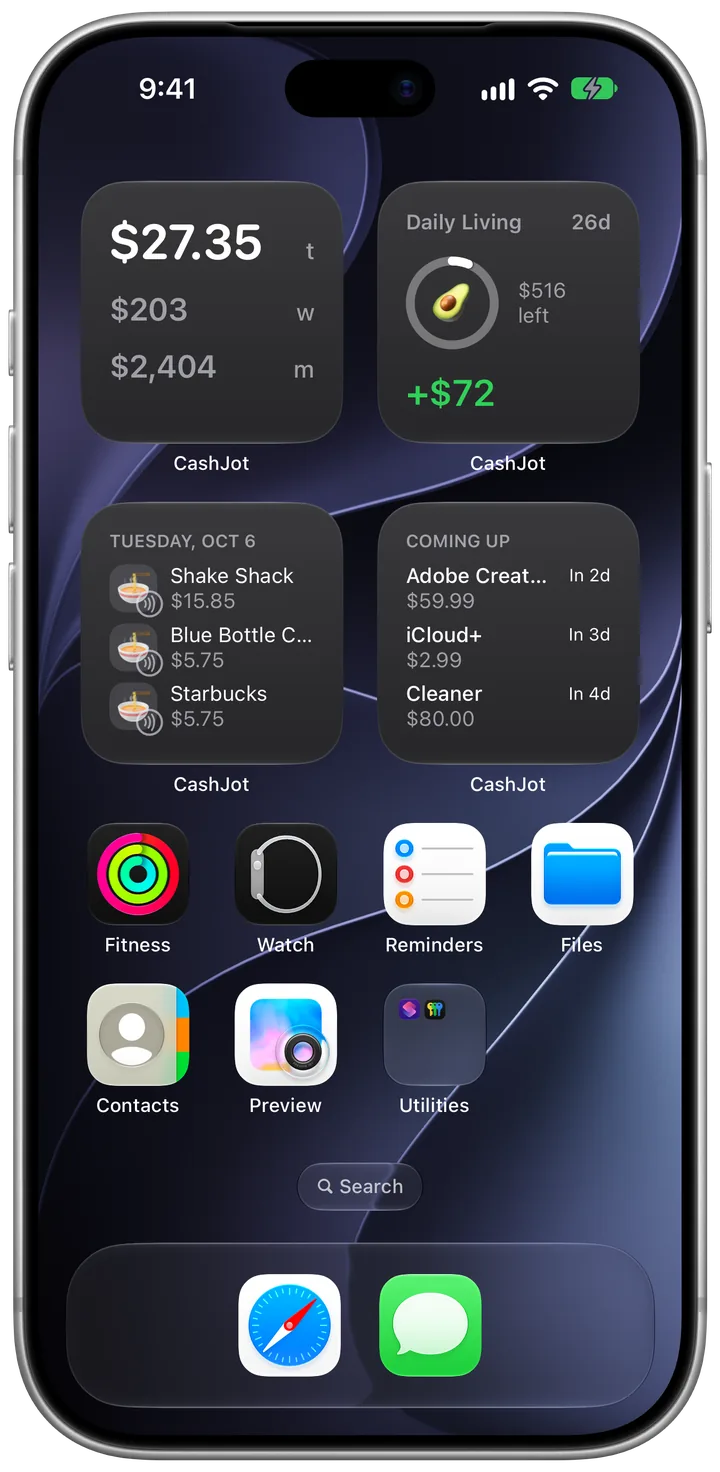
Logging is free. Plus adds the full picture.
No ads and no account on either plan. If you try CashJot Plus and cancel, nothing you logged is deleted.


| Feature | Free | Plus |
|---|---|---|
| Logging | ||
| Quick log, favourites, autocomplete | Included | Included |
| Apple Pay taps | Wait in Captures for you to log | Logged automatically |
| Logging in other currencies | Not included | Included |
| Custom categories | Not included | Included |
| Organising | ||
| Expense Groups | 1 | Unlimited |
| Recurring expenses | 3 at once | Unlimited |
| Bill reminders | Not included | Included |
| Budgets | Not included | Included |
| Seeing your spending | ||
| Home and lock screen widgets | Included | Included |
| Reports | Monthly | Weekly, monthly, yearly |
| Spending trends | Not included | Included |
| Your data | ||
| iCloud sync and offline | Included | Included |
| CSV export | Not included | Included |
Questions about Plus
No. Logging is free and unlimited on every plan. The free limits are on Expense Groups (one) and recurring expenses (three running at once).
In the app, open Settings and tap Get CashJot Plus, or tap any Plus feature. It's a monthly or yearly subscription through the App Store, which shows the price in your currency.
Nothing is deleted. Your entries, groups, budgets, and history stay on your device and in your iCloud, and you can keep editing them. Budgets and recurring expenses you already have keep running. What pauses until you resubscribe: new budgets, groups or recurring expenses beyond the free limits, weekly and yearly reports, bill reminders, CSV export, and automatic logging of Apple Pay taps. Taps still arrive in Captures, ready for you to log.
In CashJot, open Settings and tap Manage Subscription, or go to your Apple Account's subscriptions in the Settings app. Apple handles billing, so CashJot never sees your card.
Start free, add Plus when you want it
Log your next coffee in two seconds. Plus is one tap away in Settings.