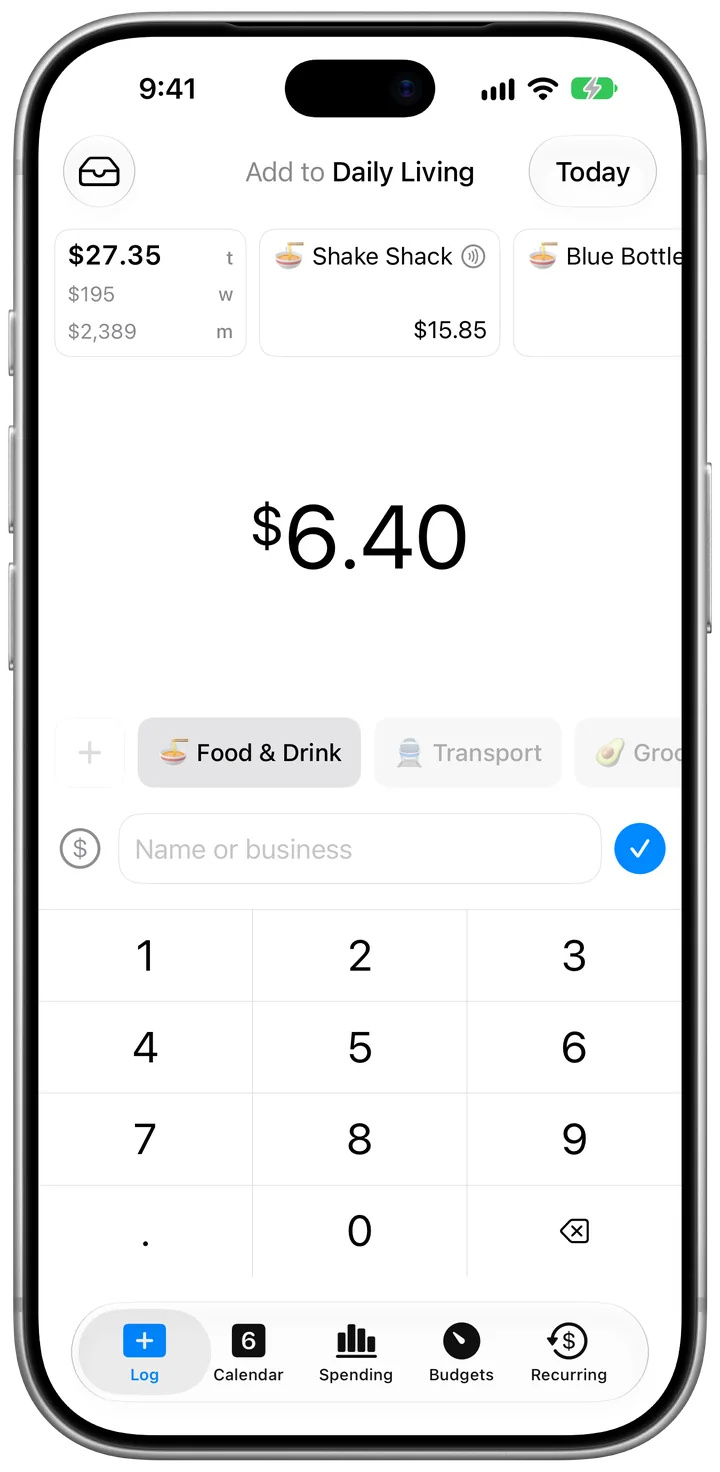
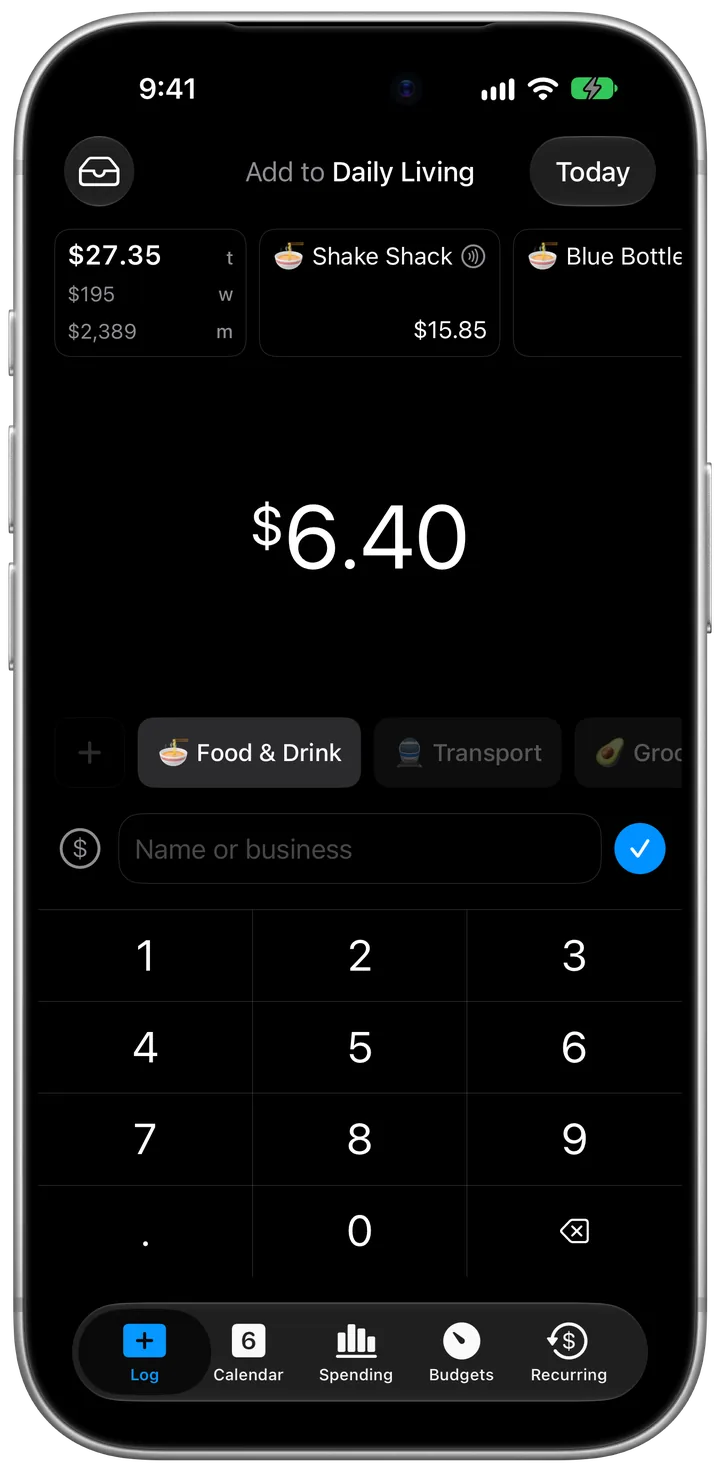
Opens ready to log
Opens straight to the keypad. Type the amount, pick a category, and save. The form resets instantly.
Log
Calendar
Spending
Budgets
Recurring
A simple, private iPhone expense tracker. Log spending in two seconds, capture Apple Pay taps automatically, and see today's total right on your home screen.


Free on iPhone, no signup, no ads.
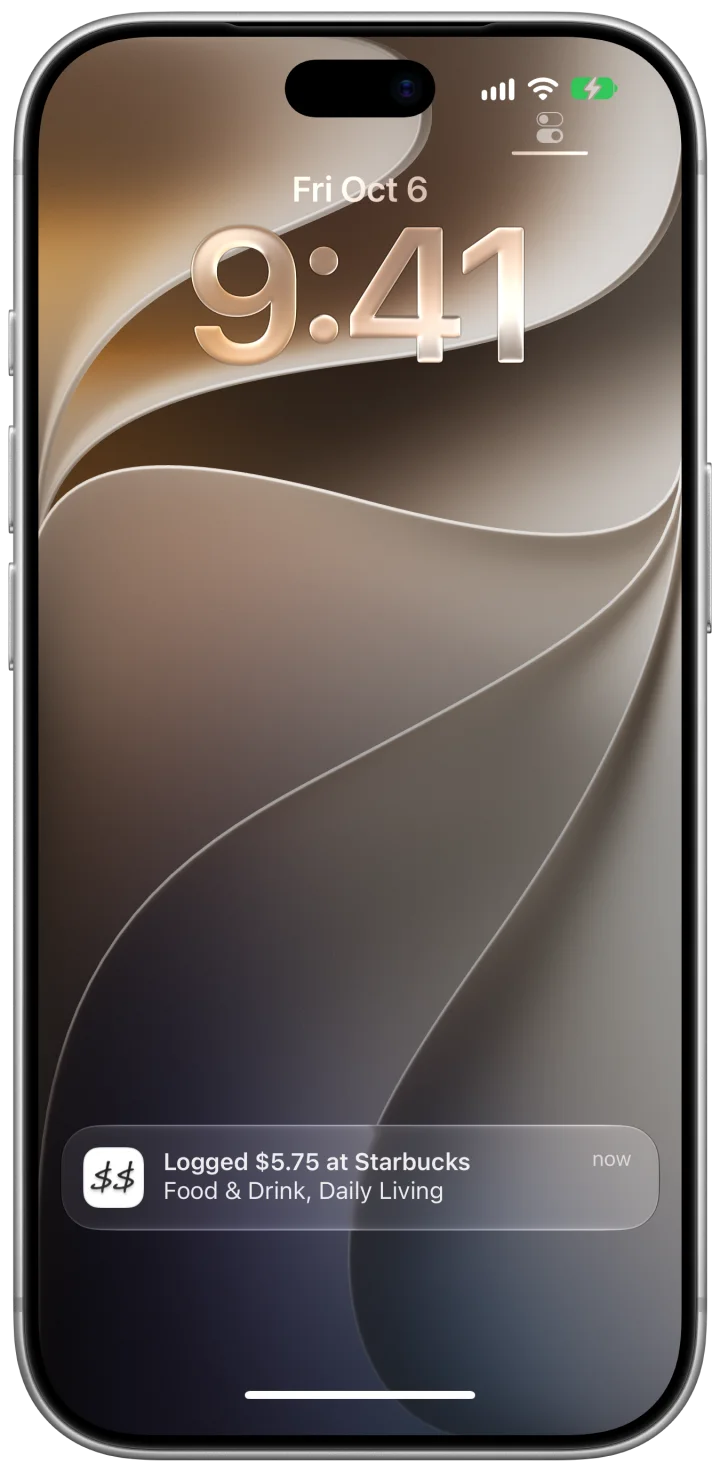
Set up a quick Shortcuts automation, and qualifying in-store Apple Pay taps arrive in CashJot with merchant name, amount, and card. Zero bank logins, running entirely on-device.

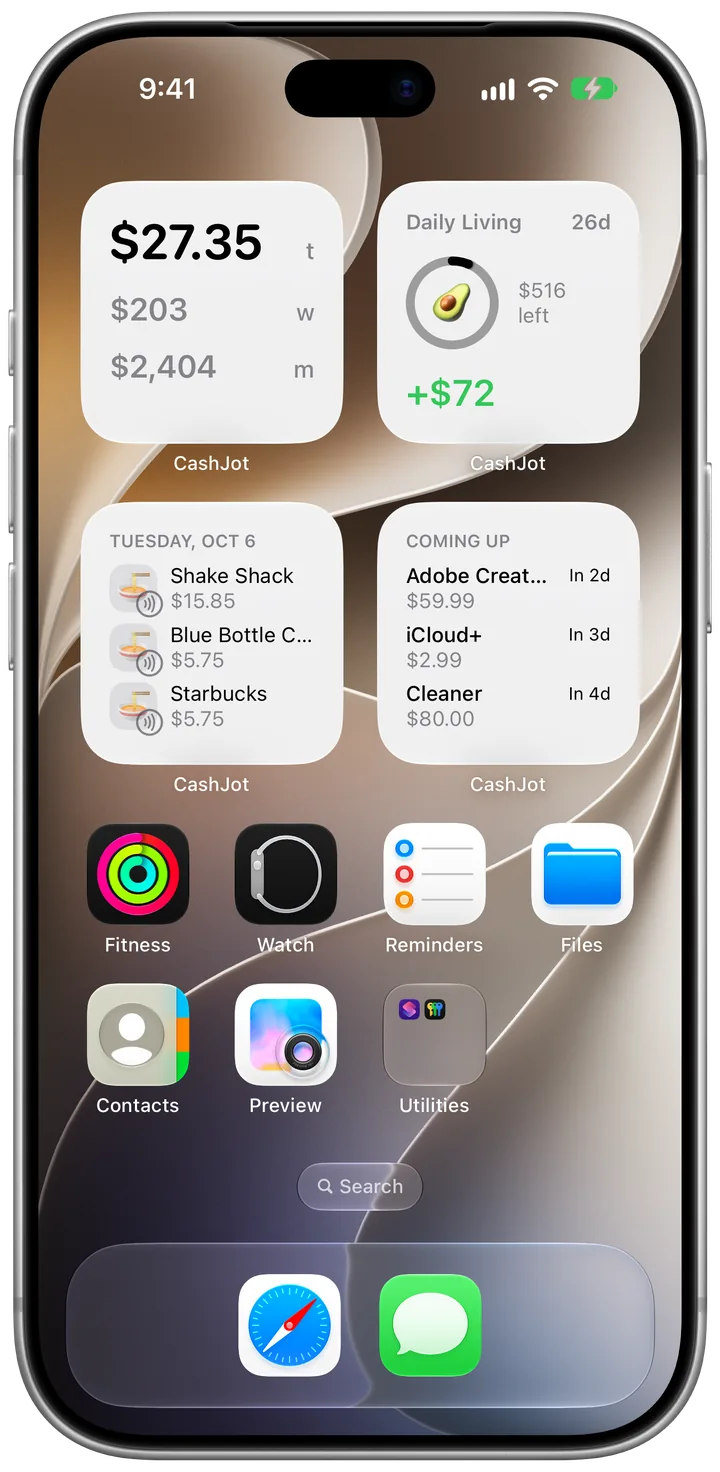
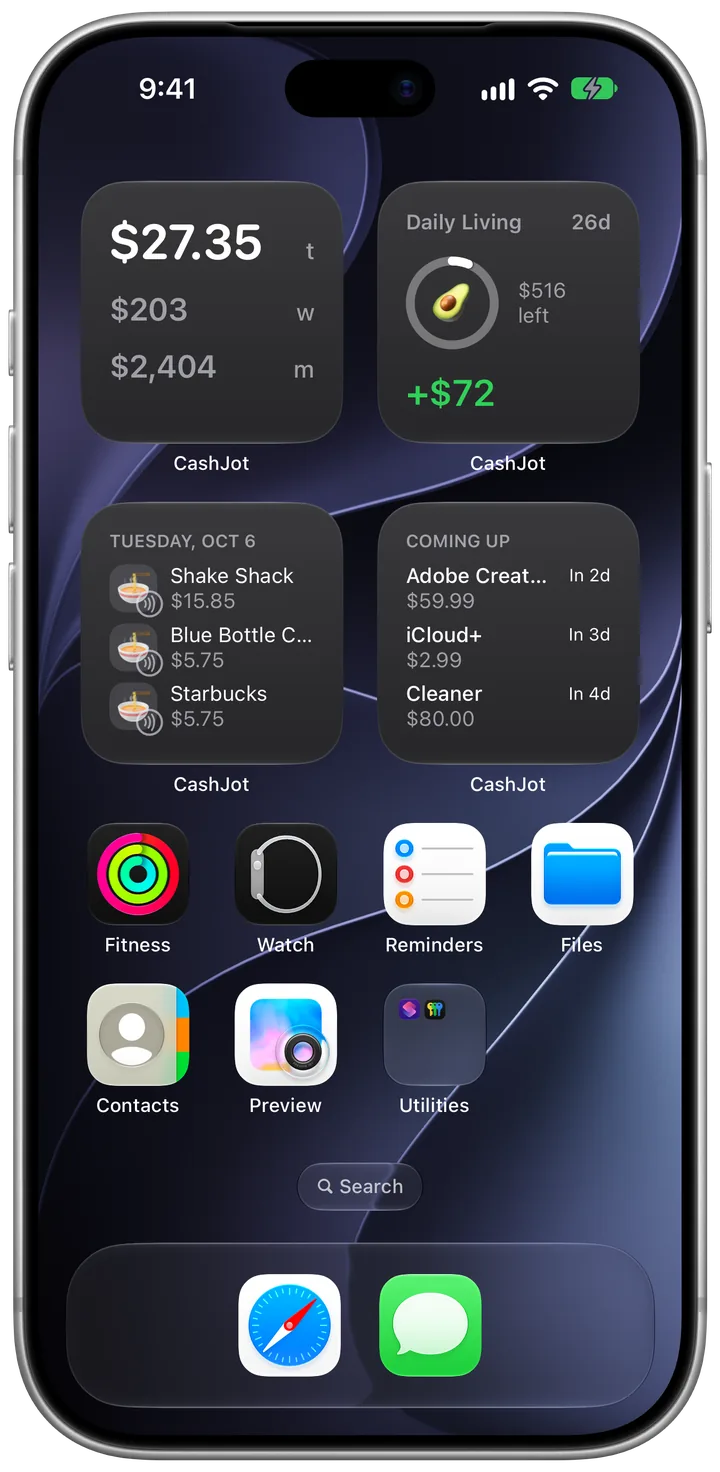
Keep today's spending total, budget pacing, and upcoming bills right where you already look. Know where you stand without even opening the app.
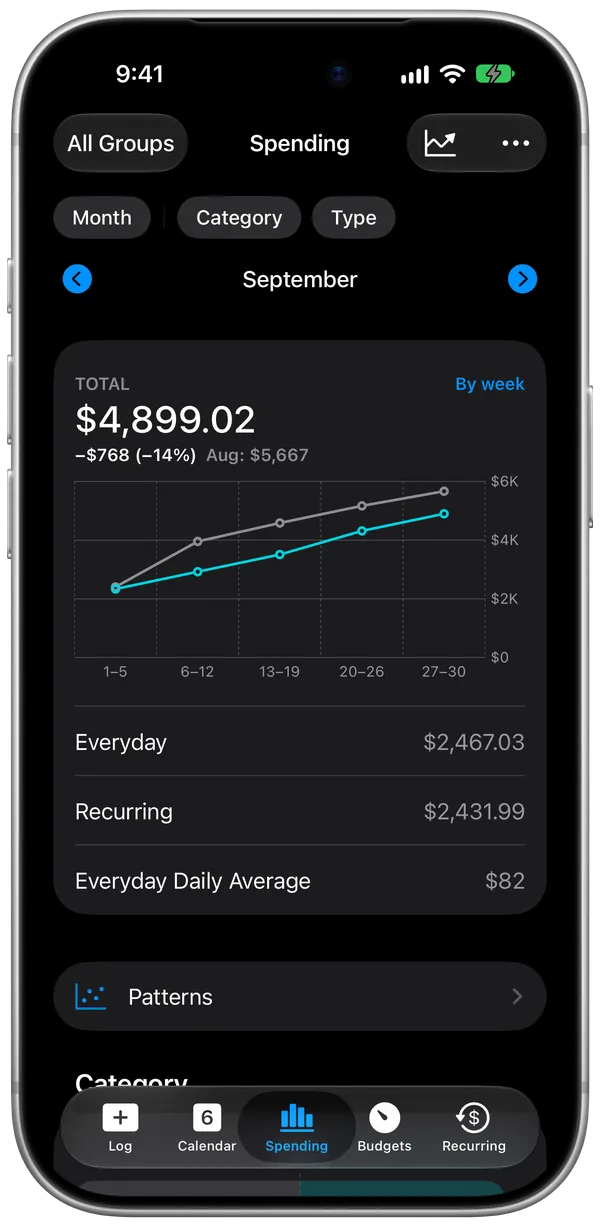
Clean category charts and monthly trends show where your money goes over time, helping you spot spending patterns without spreadsheet formulas.
Set a limit for the week, the month, or a trip. CashJot weighs what you've spent against where you should be by today, so you know if there's room for that dinner. No envelopes, no monthly reconciliation.
Independent ledgers, each with its own currency, budgets, and reports. Trips and side hustles get their own space, so big splurges never distort your daily living baseline.
No accounts, no tracking servers, and no bank logins. Your spending stays on your iPhone and syncs privately through your personal iCloud. Works 100% offline.
Nothing to sign up for, nothing to sign in to.
Sync between your devices, with no company server in between.
On a plane or underground, logging still works.
Rent to subscriptions, counted on the day they're due, with a reminder before they are.
$494.73
Remaining
$1,933.19
Paid
Every screen, light or dark.
Each day's total under its date, with upcoming bills shown ahead.
October 2026
Log in the local currency and see it in yours as well.
1,080 JPY
7.20 USD
Find any entry by name, amount or category, with the total of what matches. Filter by group, category or type.
Every expense with date, amount, currency, category and group, ready for a spreadsheet.
No ads and no account. If you try CashJot Plus and cancel, nothing you logged is deleted.
“I wanted to know, at the end of each day, how much I'd spent and roughly on what. CashJot is the app I built for that.”
Yes. The quick log, widgets, iCloud sync, Apple Pay capture, one Expense Group, and three recurring expenses running at once are free, with no ads and no account. Without Plus, Apple Pay taps wait in Captures for you to log. CashJot Plus, a subscription or a one-time Lifetime purchase, logs them automatically, adds budgets, spending trends, and weekly and yearly reports, and removes the caps.
No, and it never asks to. There's no account and no bank login anywhere in the app. Entries live on your device and sync through your own iCloud, so nobody else sees your spending.
Logging takes just two seconds right at the counter: amount, tag, save. Favourites and autocomplete make repeat purchases instant, and in-store Apple Pay taps show up on their own, ready to log (or logged for you with Plus).
No. Because CashJot is designed for real-time daily spending awareness, your weekly and monthly clarity builds up naturally within days of logging. With CashJot Plus, anything you log can be exported to CSV.
No. CashJot is built natively for iPhone. There is no Android or web version.
Log your next coffee in two seconds and see today's total on your home screen.