Log expenses as you pay

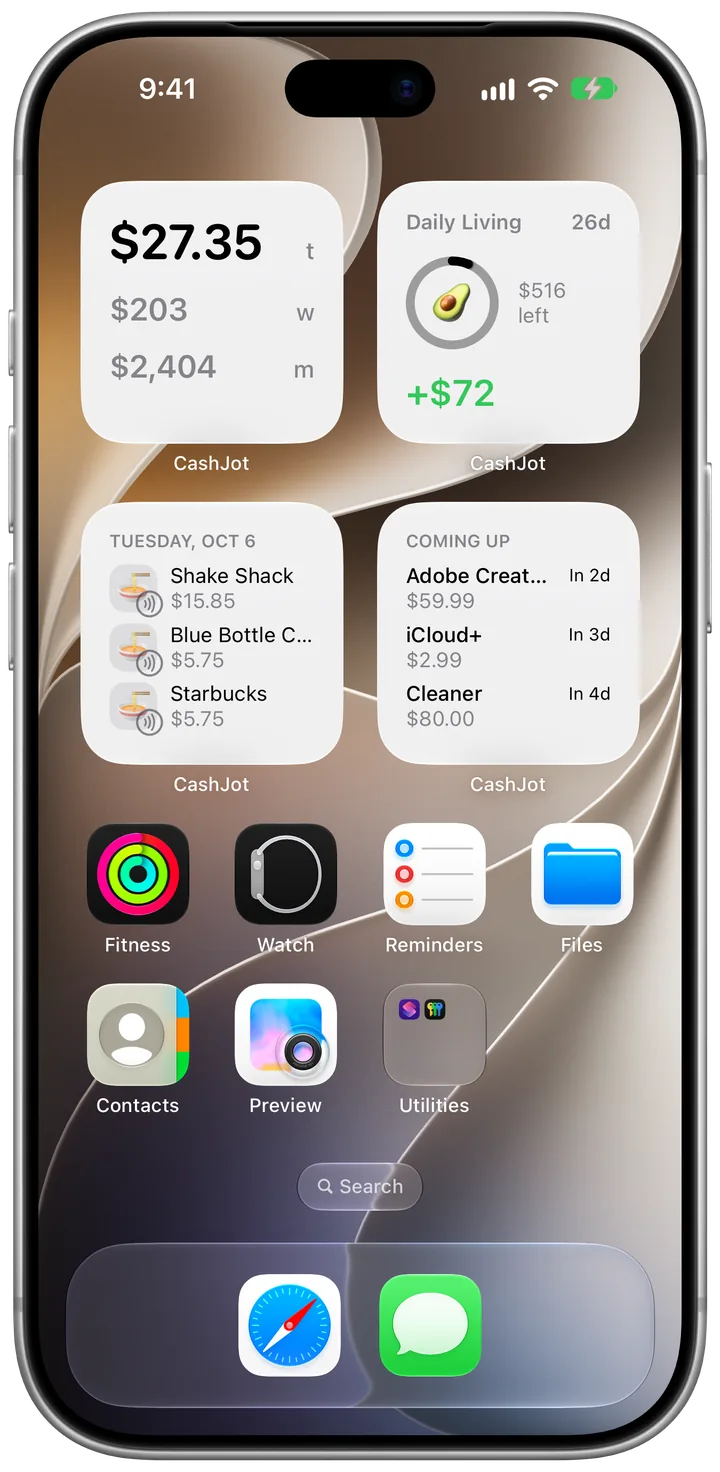
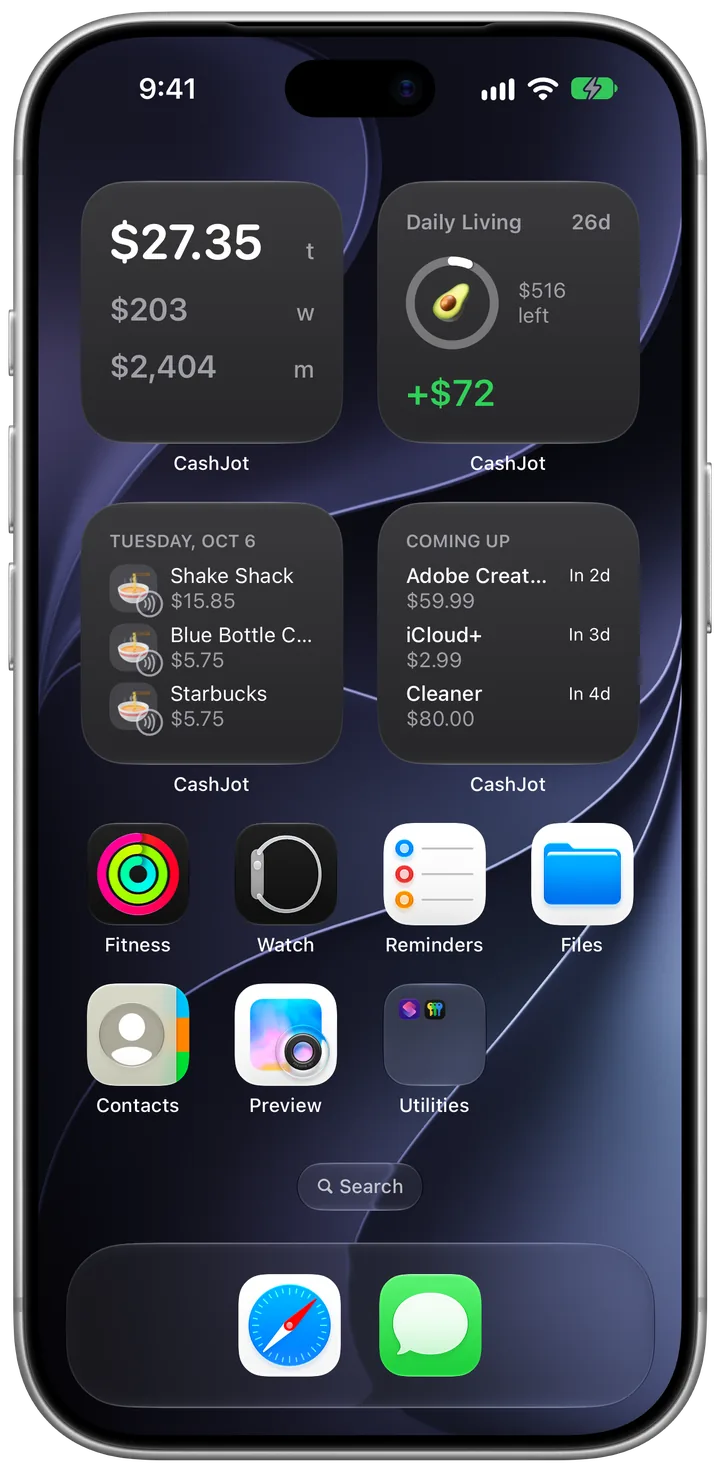
Tap Apple Pay at a shop, or get a payment notification from your bank or wallet app, and the amount is waiting in CashJot. It all runs on your iPhone, with no bank login.

Download on the App Store
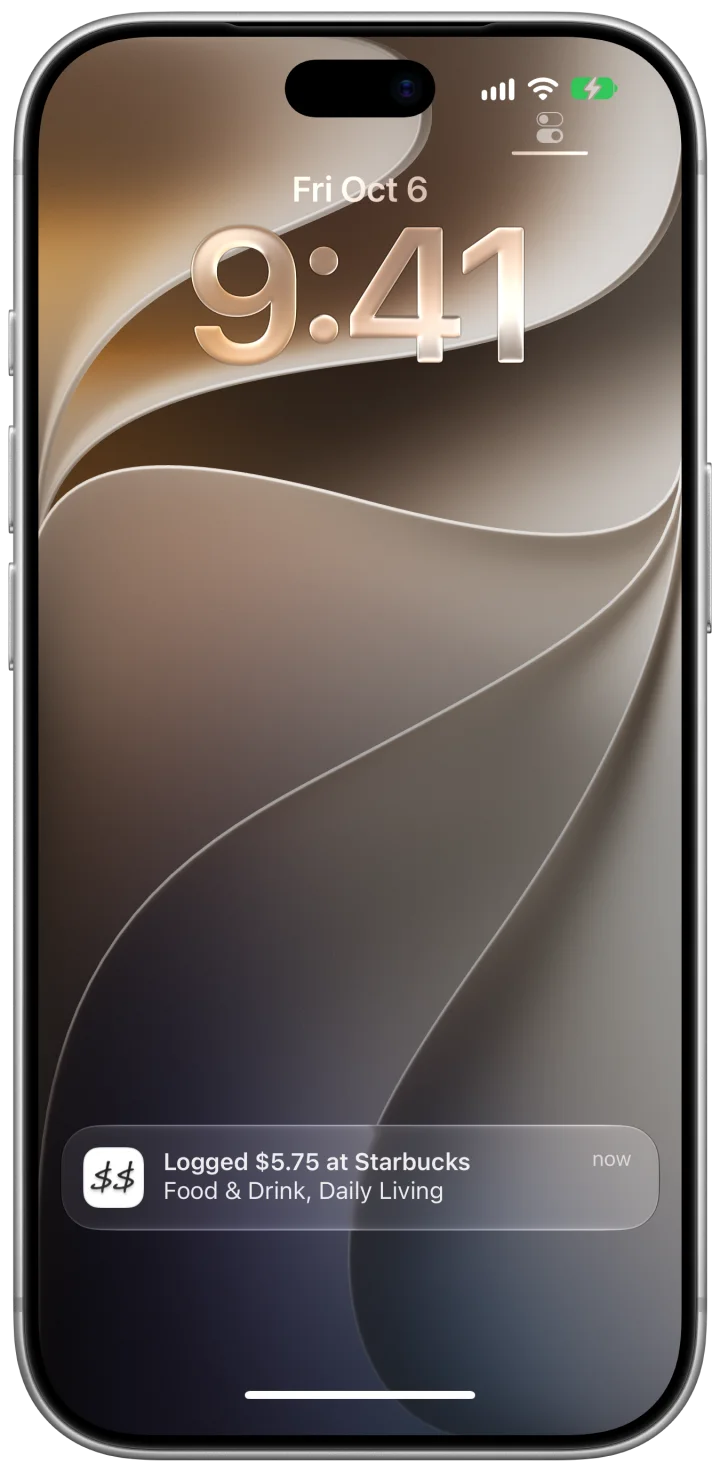
iPhone Lock Screen with a CashJot notification reading Logged $5.75 at Starbucks, Food & Drink, Daily LivingNotification: Logged $15.85 at Shake Shack, Food & Drink, Daily Living

At the counter and in your payment apps

Apple Pay catches taps at the counter. Payment notifications pick up what Apple Pay doesn't see: card payments outside Apple Pay, transfers, wallet apps, and transit cards. Use one or both.

  • iOS 18 and later

    Apple Pay taps

    Add a ready-made shortcut once. Each in-store tap then reaches CashJot with the amount, shop name, and card. With CashJot Plus, it logs itself and sends a Logged notification to confirm. On the free plan, it waits in Captures and above the keypad.
    Set up Apple Pay capture ›

    Lock Screen notification: Logged $5.75 at Starbucks, Food & Drink, Daily Living
  • iOS 27

    Payment notifications

    Pick your bank, card, wallet, or transit card apps in Shortcuts. When one notifies you about a payment, it waits above the Log keypad like a one-time code. With CashJot Plus, one tap fills in the expense. Nothing is logged until you save it.

    Set up payment notifications ›

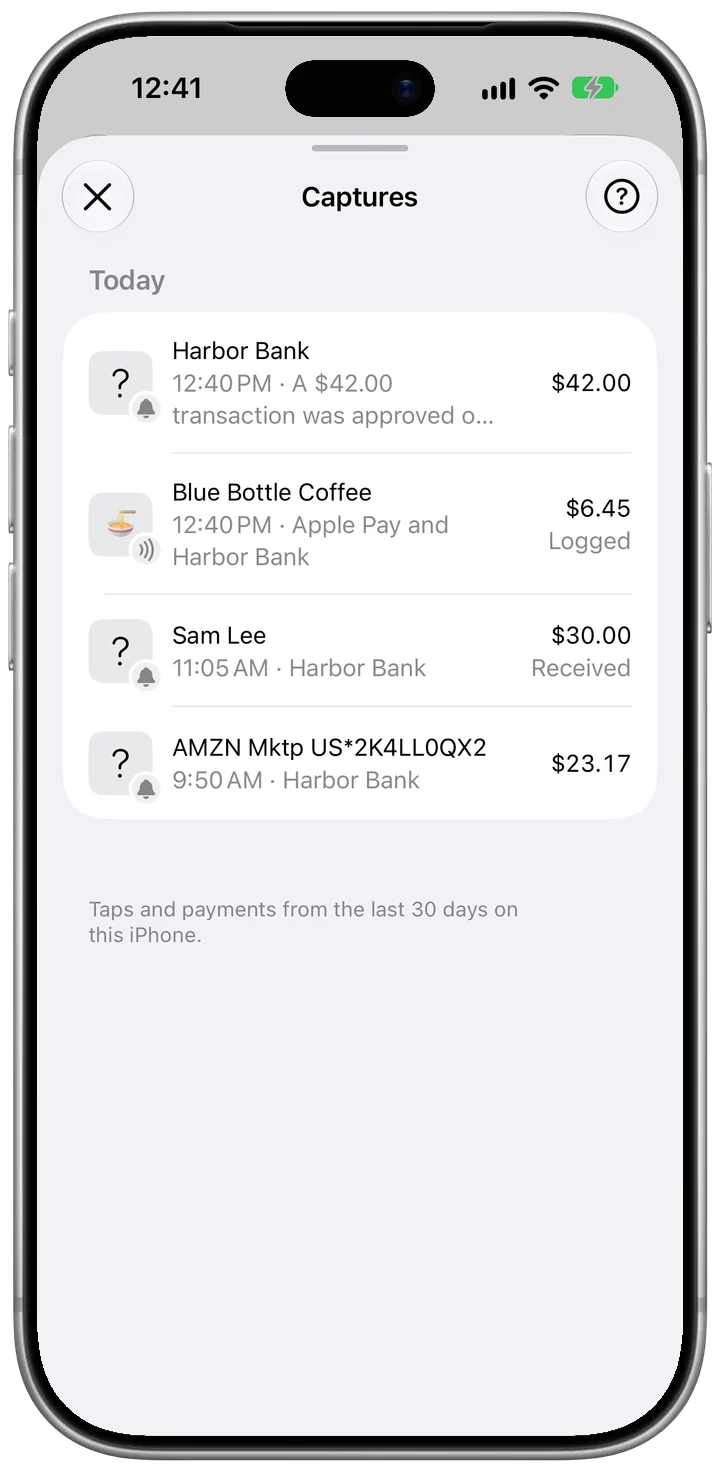
Matching alerts merge into one

When you pay with Apple Pay and your bank notifies you too, CashJot counts them as one payment if both arrive within 3 minutes with the same amount. The same goes for a wallet app and the card or bank behind it.

On iPhones with Apple Intelligence, money you receive and refunds from notifications are marked Received or Refund in Captures, and stay off the Log tab.

Shop names that arrive as STARBUCKS #1234 can be renamed as they come in under Settings → Payment Names.

Captures listing a $42.00 Harbor Bank alert, Blue Bottle Coffee $6.45 from Apple Pay and Harbor Bank as one logged payment, $30.00 from Sam Lee marked Received, and an AMZN Mktp charge

On your iPhone, without a bank login

Both work through Apple's Shortcuts app on your iPhone. CashJot only receives what the Wallet automation passes (amount, shop name, and card) and notifications from the apps you choose. There's no bank login, no Plaid or account aggregator, and no server in between.

Captures keeps the last 30 days of payments on your iPhone only, and doesn't sync them to your other devices. Logging one saves a normal expense, without the notification's text.

How CashJot keeps your spending private.

Free to capture, automatic with Plus

Free

  • Set up Apple Pay capture and payment notifications.
  • Every tap and payment shows in Captures with its amount, and the latest one waits above the keypad.
  • Log it yourself on the Log tab in a couple of seconds.

CashJot Plus

  • Apple Pay taps log themselves as you pay.
  • One tap fills in a payment from a notification: the amount, date, name (if there is one), and the category you usually pick for that name.

Compare plans ›

Frequently asked

Log your next payment in two seconds.

Download on the App Store