What Really Happens When You Link a Budgeting App to Your Bank
Bank-linked apps promise effortless sync, but route your login through third-party data aggregators. What really happens when you connect your account, who sees your data, and what the law protects.
By Pierre Teo · Updated
On this page
- Who you're connecting to
- How the connection works: OAuth or screen scraping
- Where you live changes the answer
- What a connection can see
- Where the data goes after that
- Consumer protection and bank rules
- Sync breaks and ongoing upkeep
- The case for connecting anyway
- Practical rules before you connect
- Alternatives to connecting a bank
- Where CashJot fits
- Frequently asked questions
- Is it safe to link my bank account to a budgeting app?
- Can a budgeting app withdraw money from my bank?
- Does linking an app void my bank's fraud protection?
- How do I completely disconnect an app from my bank?
- Do budgeting apps see my bank password?
When you connect a budgeting app to your bank, you aren't connecting directly to the app. A data aggregator sits in the middle and keeps its own copy of your transaction history.
How you log in determines whether anyone ever sees your actual bank password. Connecting is usually a reasonable trade when it goes through your bank's own login page, but it deserves a second thought if an app asks you to type your bank password directly into a third-party window.
Who you're connecting to#
The login pop-up showing your bank's logo almost always belongs to a data aggregator, a financial plumbing company whose job is maintaining connections to thousands of banks.
In the US, the major players are Plaid, MX, Finicity (owned by Mastercard), and Yodlee (owned by Envestnet); in the UK and Europe, TrueLayer and Tink lead. Monarch, for instance, lists its three data providers as Plaid, Finicity, and MX. Because most budgeting apps use the same handful of aggregators, your transaction history flows through the same middlemen regardless of which app you download.
That setup is standard across the industry, since no consumer app can maintain thousands of bank integrations on its own. It just means you are trusting both the budgeting app and the aggregator sitting behind it.
How the connection works: OAuth or screen scraping#
OAuth (the modern standard): You get sent to your bank's official website or mobile app to sign in. Once you approve access, your bank gives the aggregator an encrypted access token, which is a limited, revocable key that lets it read specific account data.
Neither the budgeting app nor the aggregator ever sees or stores your bank password. The connection shows up in your bank's security settings, where you can turn it off anytime.
Screen scraping (the older method): You type your bank username and password directly into a form hosted by the aggregator. The aggregator stores your login details and uses a bot to sign in as you on a schedule.
Because your bank can't tell those automated logins apart from your own visits, there is rarely a clean toggle on your bank's website to cut off access without changing your password.
Telling the two apart is easy: if setup sends you to your bank's own website or app to sign in, that's OAuth. If you're typing your bank password directly into a window inside the budgeting app, that's screen scraping.
Where you live changes the answer#
United States: Connections have improved steadily. Plaid reported in late 2025 that 80% of its traffic runs on, or is committed to, direct bank APIs. Major banks like Chase, Capital One, Wells Fargo, Citi, and USAA use OAuth; smaller regional banks or credit unions may still fall back to password scraping.
UK and Europe: Rules here are the strictest in the world. PSD2 regulations banned password scraping for payment accounts, requiring open banking access through regulated APIs that you can manage directly inside your bank app.
Asia: Coverage is still patchy. Outside of Japan (which encouraged bank APIs through a 2017 regulatory framework) and India (with its Account Aggregator framework), most markets don't require banks to offer open APIs.
US aggregators have very little coverage across Asia. Singapore's SGFinDex lets participating banks show your combined balances via Singpass inside their own apps, but doesn't open that feed to third-party budgeting tools. In practice, bank-syncing apps in Asia either rely on password scraping or don't support local banks at all.
What a connection can see#
A data aggregator's connection is strictly read-only. It cannot move money out of your account, since transferring funds requires separate banking licenses and explicit payment approval.
Read-only access still pulls a lot of personal information. Plaid's consumer documentation lists what a typical connection reads:
| Category | Typical data retrieved |
|---|---|
| Account holder | Full name, physical address, phone number, email address |
| Account details | Account names, account and routing numbers, real-time balances |
| Transactions | Date, amount, merchant description, and category history (often spanning several years) |
Your transaction history is the most revealing piece: years of merchant names and timestamps map out your daily routines, doctor visits, favourite restaurants, and travel.
Where the data goes after that#
The budgeting app pulls your transactions to update your budget, while the aggregator keeps its own records on its servers.
How aggregators use that data has drawn scrutiny in the past. In 2020, three US lawmakers asked the FTC to investigate Envestnet Yodlee over selling de-identified transaction data; a court later narrowed a related class action while letting key claims proceed. In 2022, Plaid agreed to a $58 million settlement covering roughly 98 million consumers over how its login screens were designed and disclosed, alongside commitments to collect less data and give users clearer deletion controls.
Controls are much better today. Plaid runs my.plaid.com, where you can see every app connected to your banks, check what data is shared, and revoke access.
Still, unlinking an app only stops future syncs; it doesn't automatically wipe the history already collected. To delete your records completely, you have to request deletion from both the budgeting app and the aggregator.
Consumer protection and bank rules#
Bank terms of service often warn against sharing your login details, which makes many people wonder if using a budgeting app voids their fraud protection.
In the US, the Consumer Financial Protection Bureau states in its Electronic Fund Transfers FAQs that you keep your Regulation E protections against unauthorized transfers, and banks cannot use fine print to shift fraud liability onto you just because you linked a budgeting tool. The real-world risk is mostly hassle: fraud disputes can take more paperwork when a third-party aggregator is involved, and screen scraping means your password is stored outside your bank.
US open banking rules are still in limbo: the CFPB's Section 1033 rule was finalized in 2024, paused pending a court challenge, and its first April 2026 deadlines passed while litigation continued. For now, OAuth connections and aggregator privacy portals remain your main safeguards.
Sync breaks and ongoing upkeep#
Beyond privacy, bank feeds take regular maintenance to keep running.
In our analysis of App Store reviews across nine major budgeting apps, broken bank connections and missing banks made up 27% of all negative reviews for bank-linked apps. When a bank connection drops or changes its security check, fixing it falls on you: signing back in, cleaning up duplicate imports, and checking why your app balance doesn't match your bank statement.
Direct OAuth connections with big banks are much more stable than old scrapers, but occasional sync hiccups are still part of the deal.
The case for connecting anyway#
Linking your bank gives you something manual tracking can't: every card charge across every account shows up automatically, building a multi-year searchable archive without daily effort.
If your banks support OAuth and you'd rather review imported transactions once a week than log purchases as you make them, a bank-linked app is a great fit.
Practical rules before you connect#
- Stick to OAuth connections. Whenever you can, only link banks that send you to your bank's own website or app to sign in.
- Check your connected apps twice a year. Review active connections in your bank's security settings and at my.plaid.com, and disconnect anything you no longer use.
- Delete in two places when you leave. Delete your account inside the budgeting app, then submit a separate deletion request with the aggregator.
- Think twice before screen scraping. If an app asks you to type your bank password directly into a third-party window, weigh the convenience against handing over your login.
Alternatives to connecting a bank#
If you'd rather keep your bank login private, you have two good options:
- Monthly CSV exports: Download a CSV statement from your bank's website once a month and drop it into a spreadsheet, with no ongoing third-party connection required.
- Logging on your phone: Enter purchases directly on your phone so your spending history stays on your device.
Our guide on whether manual expense tracking is worth it compares the day-to-day trade-offs, and our iPhone expense tracking guide shows how to make logging take two seconds.
Where CashJot fits#
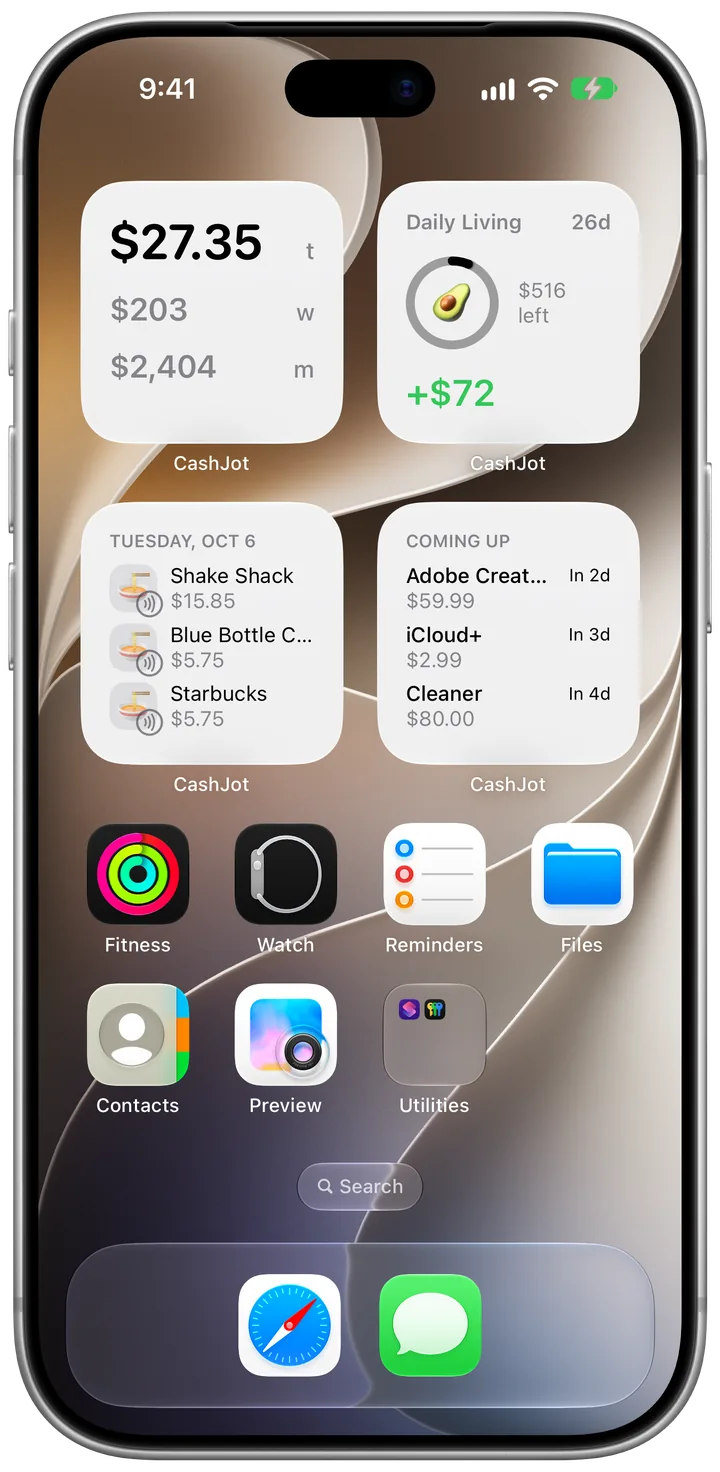
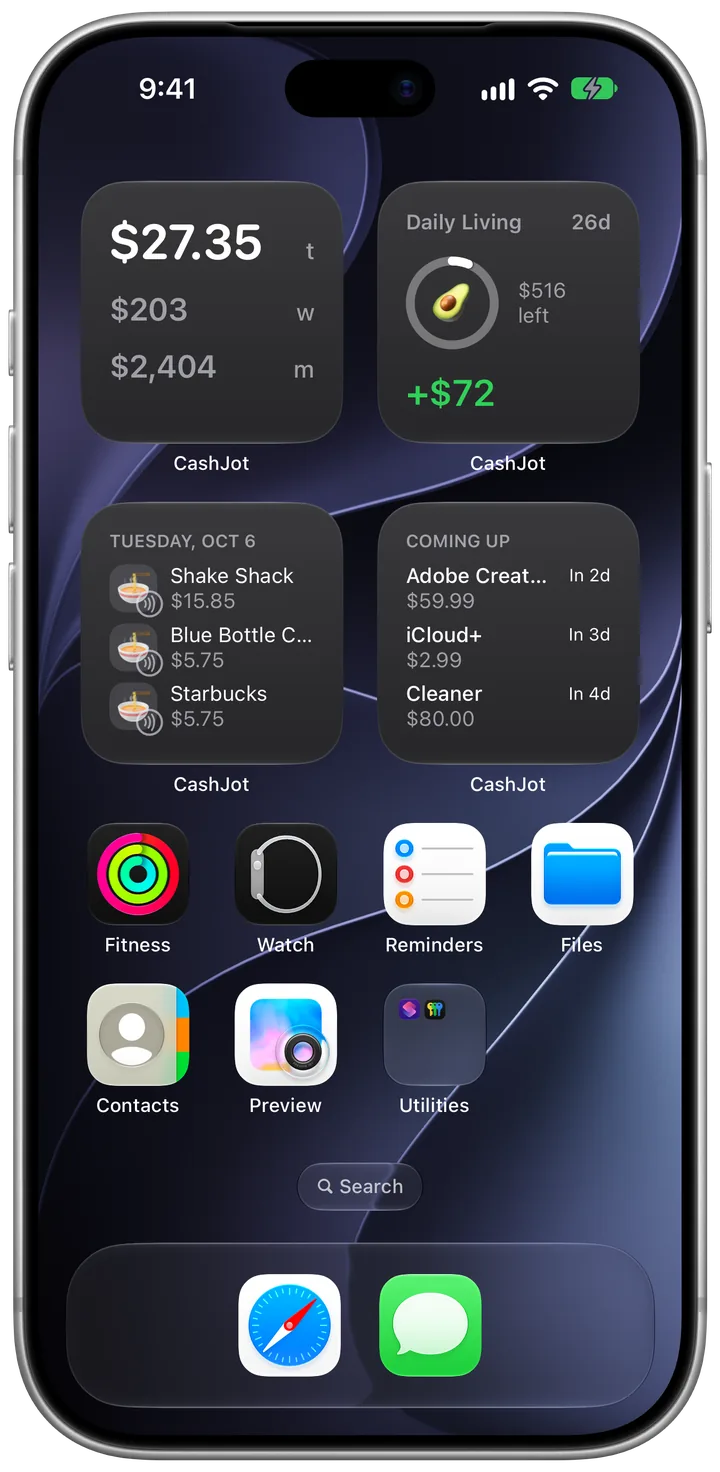
CashJot is built for privacy and local control. Logging an expense takes an amount and a tag in about two seconds, with your data stored on your phone and synced through your private iCloud. There are no bank logins, and no company server holds your entries.
You log each expense yourself, except Apple Pay: in-store taps reach CashJot through a Shortcuts automation without linking a bank account. On the free plan they wait in Captures for you to log; CashJot Plus logs them automatically.
If you want a hands-off feed that pulls every credit card charge automatically, a bank-linked app using OAuth is the better tool for the job.
Frequently asked questions#
Is it safe to link my bank account to a budgeting app?#
It depends on how the connection works. OAuth sends you to sign in directly with your bank, so your password is never shared with the app or aggregator, and you can revoke access anytime.
Screen scraping asks you to hand your actual bank password to a third party, which carries more risk.
Can a budgeting app withdraw money from my bank?#
No. Aggregator connections are read-only for balances and transactions. Moving money requires separate payment permissions and banking licenses.
Does linking an app void my bank's fraud protection?#
In the United States, no. Under CFPB guidance on Regulation E, banks cannot strip away your basic fraud protection just because you connected a third-party budgeting app.
How do I completely disconnect an app from my bank?#
Take three steps: revoke access in your bank's security dashboard (or at my.plaid.com), request data deletion through the aggregator's privacy page, and delete your account inside the budgeting app.
Deleting the app from your phone stops new syncs, but leaves your past data sitting on the provider's servers.
Do budgeting apps see my bank password?#
With OAuth, no: you only type your login on your bank's own website or app.
With screen scraping, the aggregator stores your username and password to log in for you. You can tell which one your bank uses by checking whether setup redirects you to your bank's official website.
Written by Pierre Teo, maker of CashJot.